


Things are starting to come together now.
First off, the Stick Nodes website was launched. It’s just a temporary page listing some information, screenshots, and videos. Once the app is actually launched I plan on making it a bit more robust, maybe even allowing stickfigure / project file submissions to build a library of user-created materials.
Video
Here’s a video I made the other day showing off the animation of a very simple (and mediocre) walk cycle. More importantly, it shows off the power of tweening, which can be turned on and off with the touch of a button.
Non-tweened vs tweened animation
Here are two .gifs exported from the animation shown in the above video. The first doesn’t have tweening enabled, the second does.
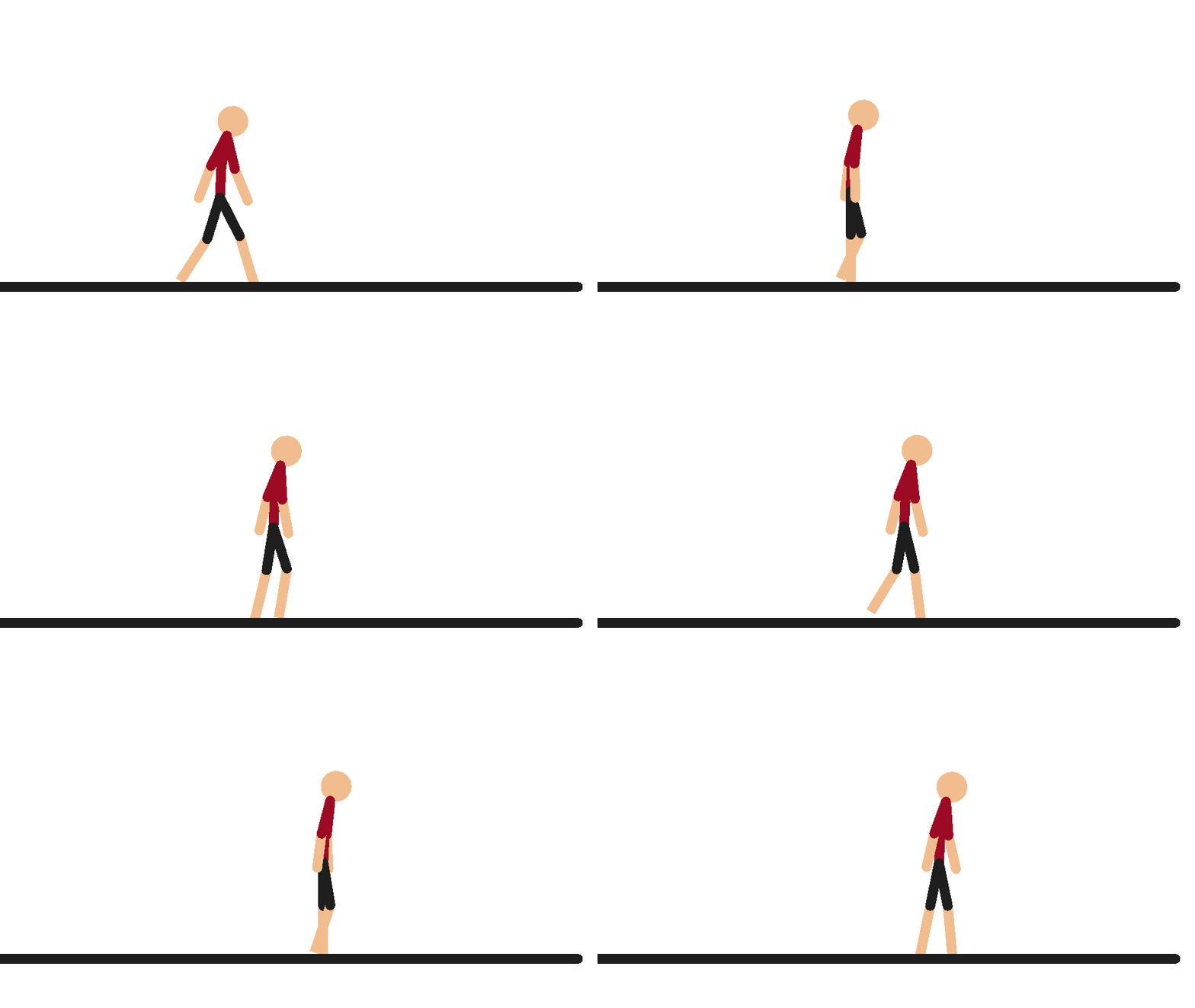
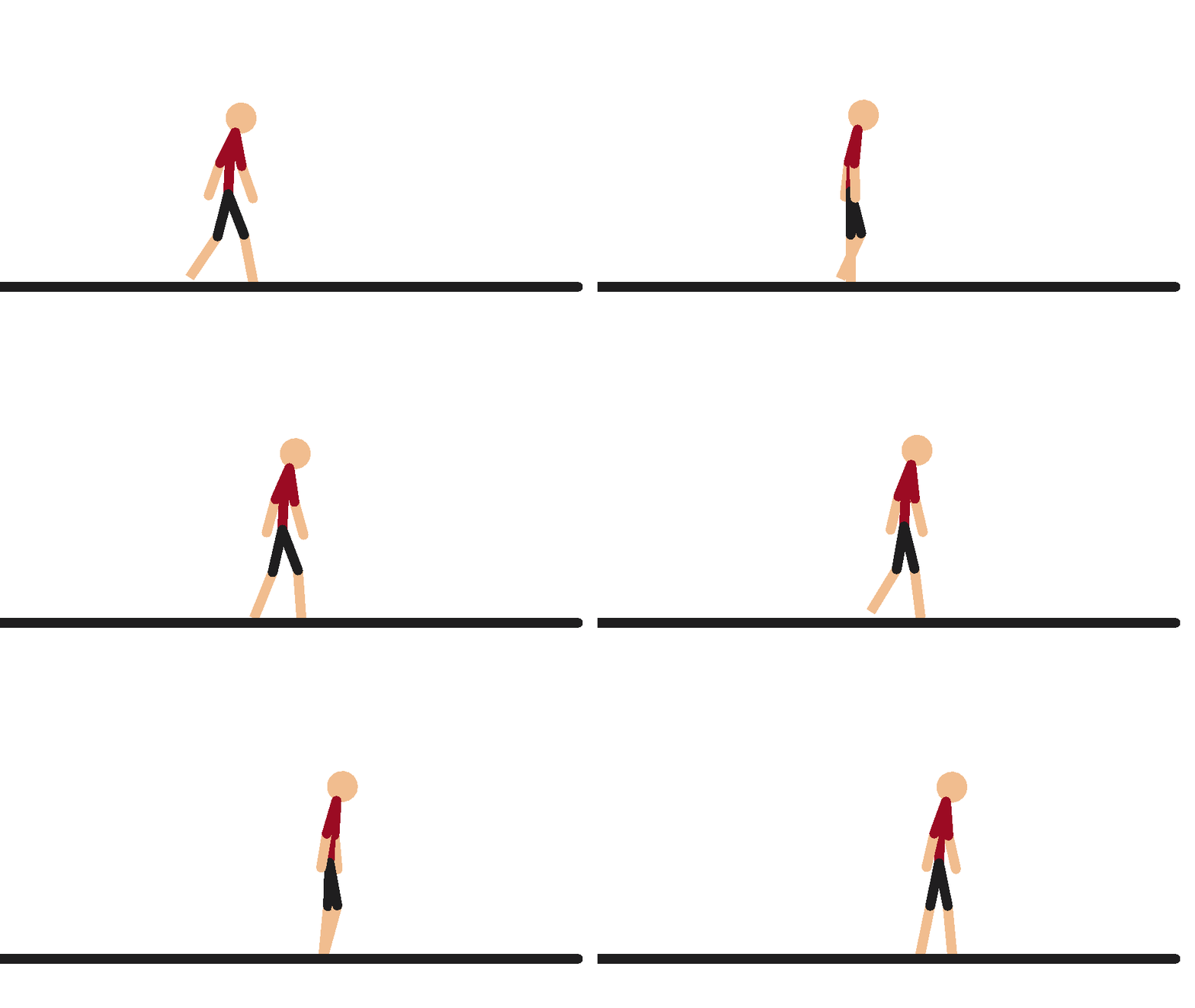
When tweening is enabled, the app automatically adds an interpolated frame between each keyframe that the user actually creates. To keep the video running at the same pace, the FPS is also doubled. This results in a much smoother-looking animation.
(The two .gifs don’t sync up perfectly because the non-tweened animation has 9 frames while the tweened animation has 17 – slightly less than double. This is because an interpolated frame can’t be added before the first frame or after the last frame, so the frame count can’t be perfectly doubled.)
Screenshots
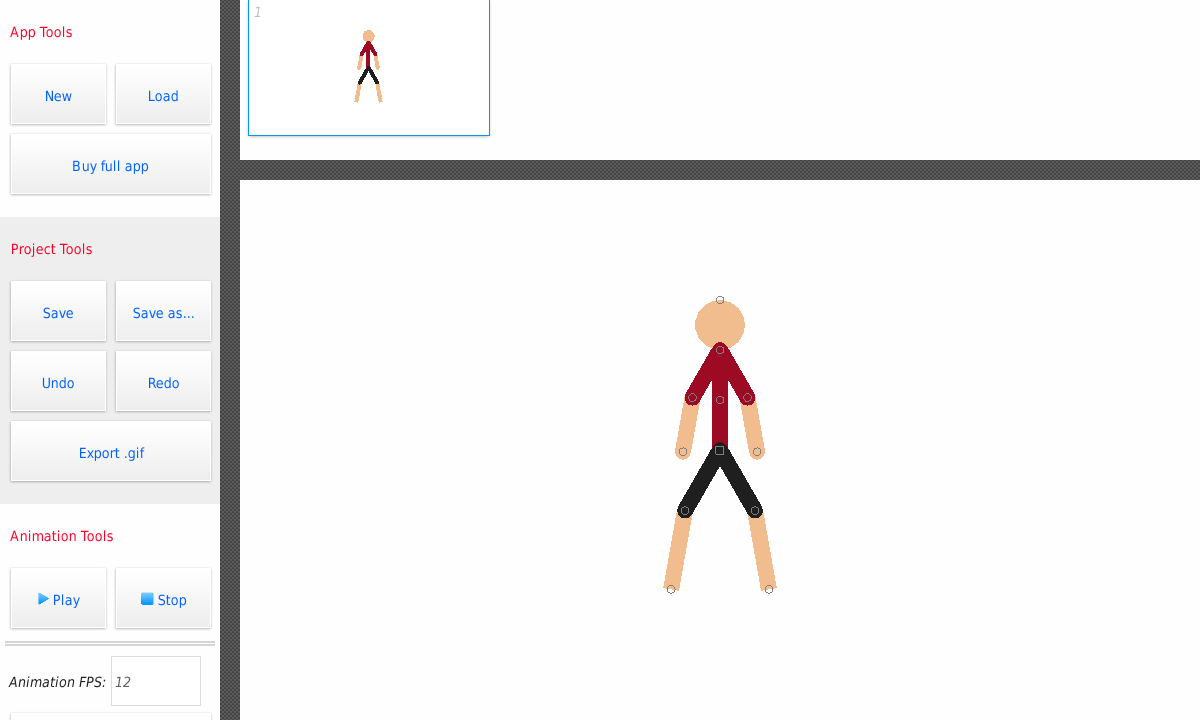
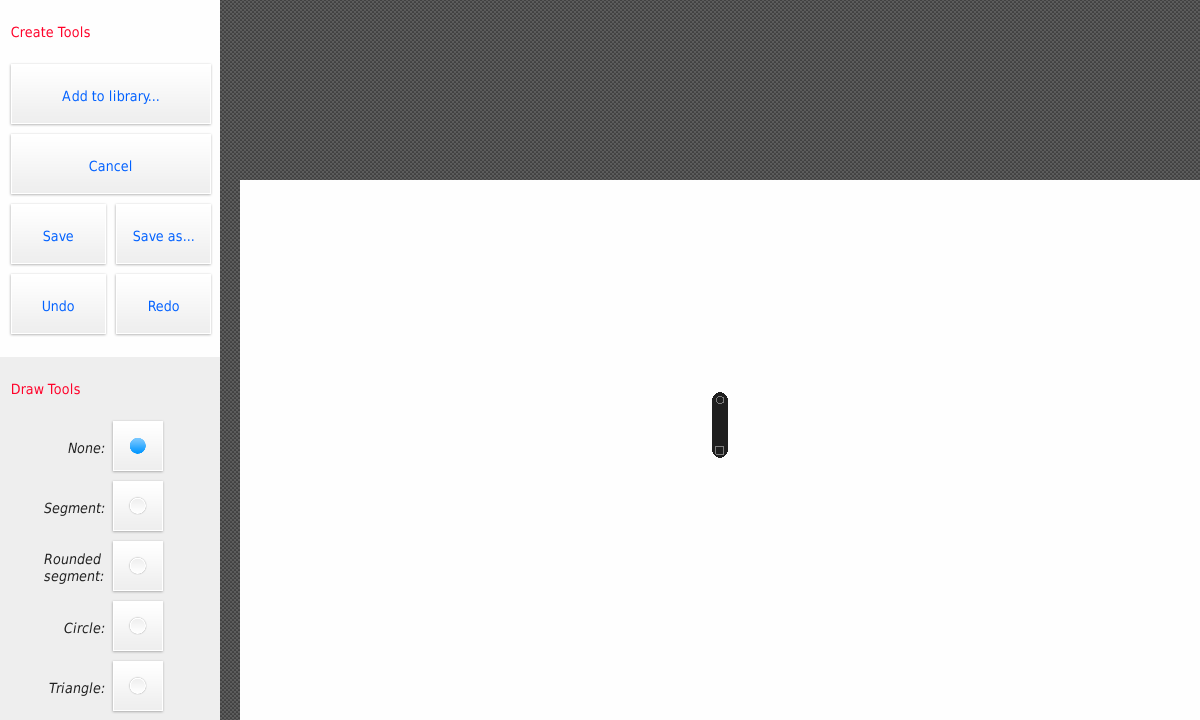
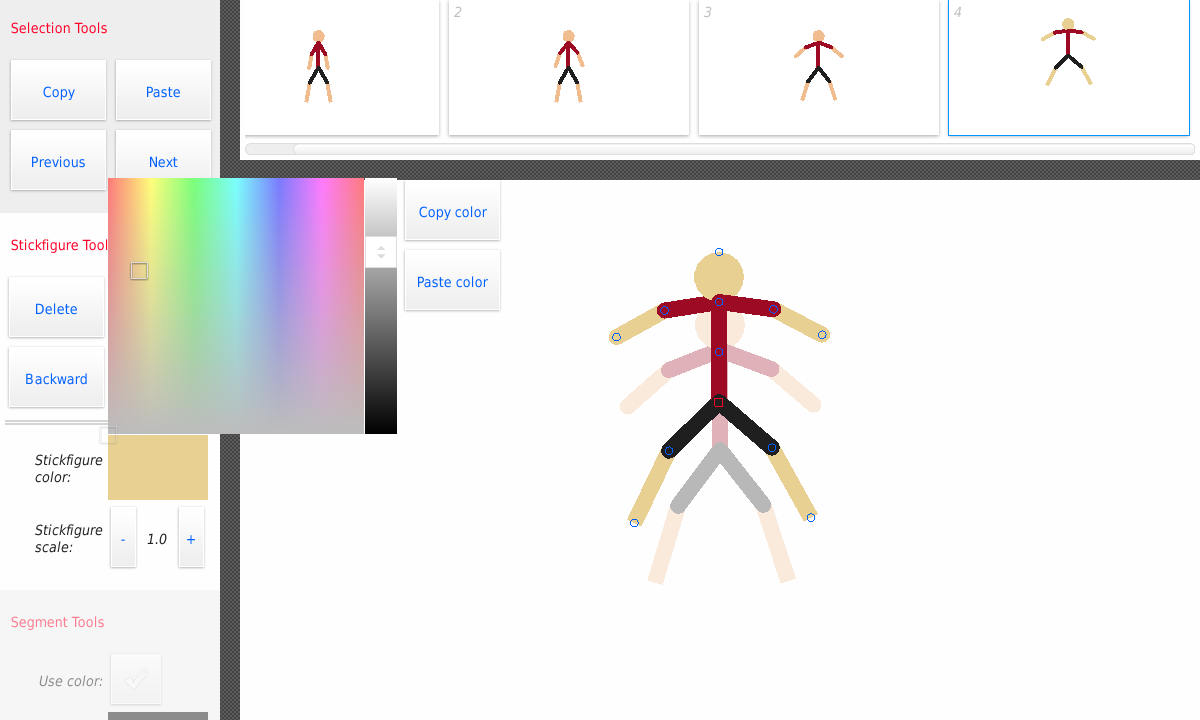
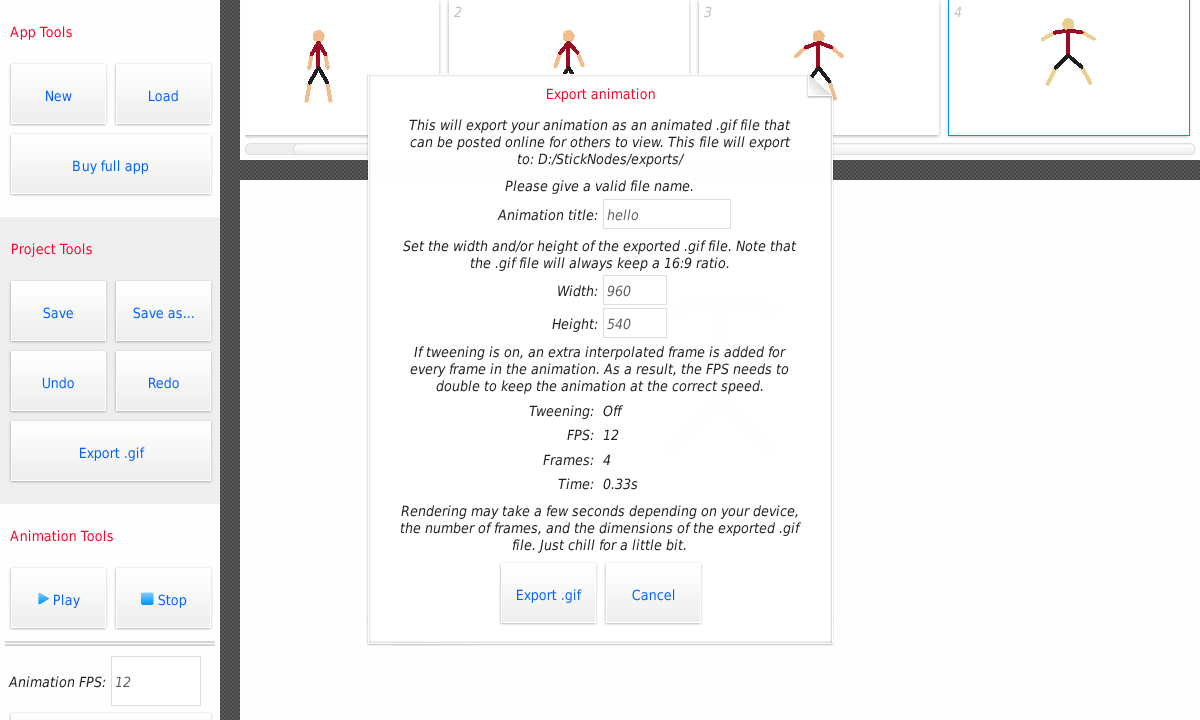
And here are some updated screenshots of what the app looks like right now.
What’s next?
So, what’s left to do? Well a simplified to-do list would look like this:
- Program in saving/loading of both project files and stickfigure files
- Undo/redo buttons (Not sure if I’ll actually be adding this into the app, if anything, it may come in a future release. Haven’t decided yet.)
- Clean up all the miscellaneous bugs/tweaks/todo’s scattered throughout the code.
- Plug in some Google services – basically get it ready for the Play Store.
- Release.
That’s all for now, keep checking back here or on twitter for more news and updates as they come. Also don’t forget to check out StickNodes.com.